One prompt. Your next little game.
Bring your AI.
Bring your imagination.
Copy the prompt, paste it into your agent, and let it help you get connected.
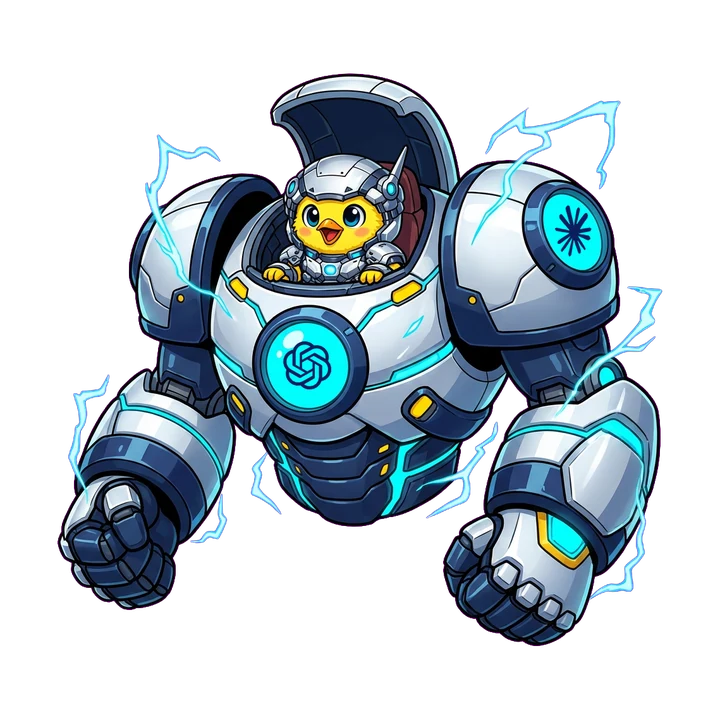
Your AI builds with you. Minimo Games is where you try, manage, and share what you make.
Let your agent handle the setup.
We recommend ChatGPT for working on your game's code and images together. The prompt points your agent to our instructions, so you don't have to work through a technical guide.
Opening ChatGPT does not install the connection. Today's connector needs a compatible desktop agent with local MCP support; browser-only ChatGPT cannot install it on your computer. Your agent will check what is available and guide any sign-in or settings steps that need you.
Already have a favorite AI?
The same prompt is for compatible Claude and Google agents too, such as Claude Code and Google Antigravity, as well as Codex and other MCP clients. Use the agent you like; local access, image tools, and setup capabilities vary.
You'll stay in control of sign-in and approvals. After the agent verifies access, tell it what you want to make. Your first game stays private until you ask to publish it.
What if my agent needs a hand?
It may ask you to approve a local setup step, open a setting, or sign in. If it cannot read the instructions link, open start.txt and paste its contents into the conversation. Never paste passwords or access tokens.
If your agent cannot generate images, bring your own artwork. If it cannot upload them, use your project's Images section in My Games, then ask the agent to continue.
This page cannot see your agent's connection. Only a successful authenticated tool check confirms access.